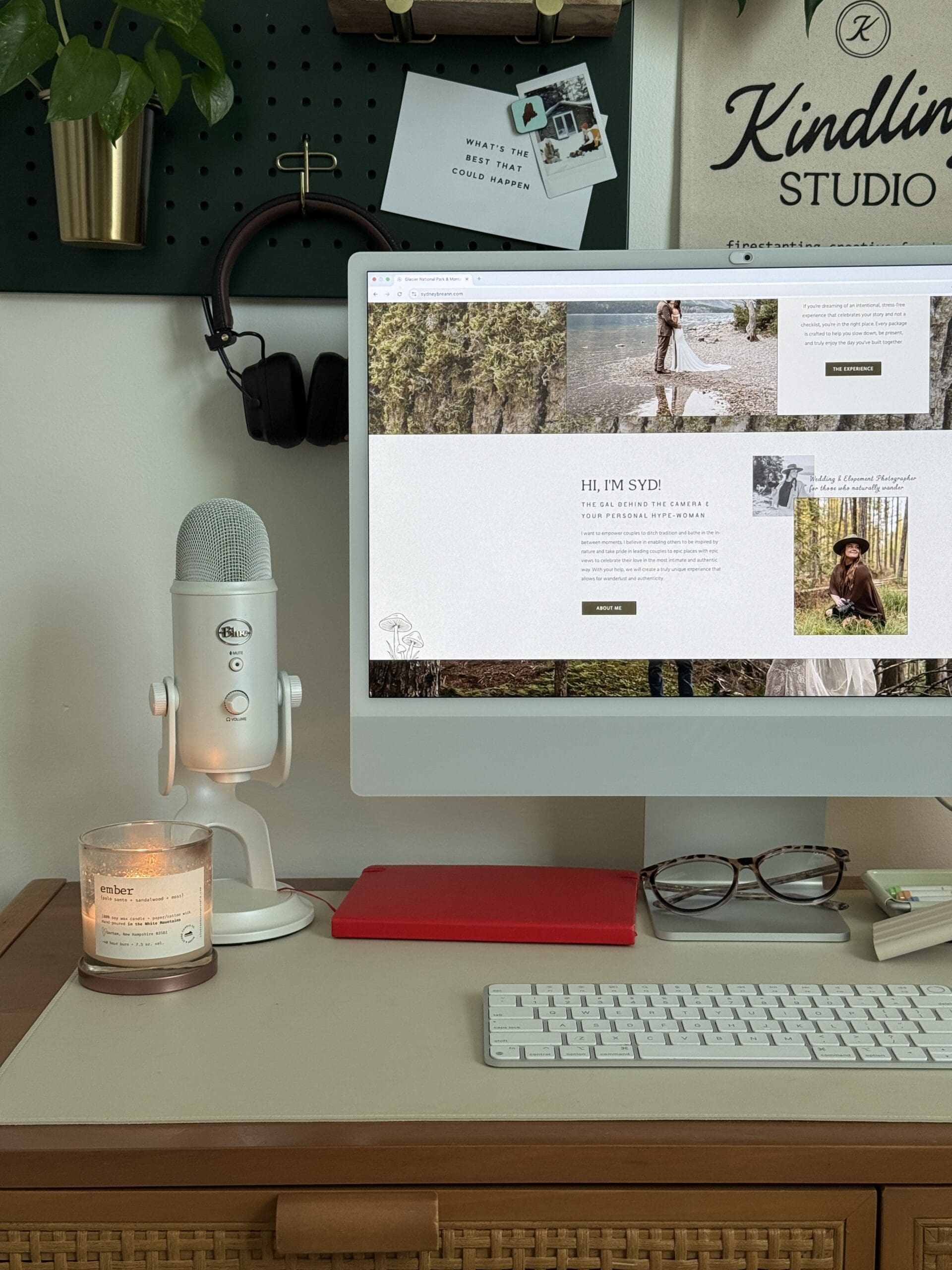

You’ve been working on your new adventure elopement photography website for weeks (maybe months), and you’re finally ready to hit publish. But before you launch, there’s a checklist of things to review that can make the difference between a successful launch and a site that quietly underperforms from day one. Here’s everything you need to check before your elopement photography website goes live.
Content and Copy Review
Read every word on every page. Check for typos, grammatical errors, and placeholder text you forgot to replace. Make sure your copy speaks directly to your ideal adventure elopement client and accurately describes your services, your process, and your pricing. Read it out loud — if anything sounds awkward or generic, rewrite it.
Verify that all your calls to action are clear and functional. Every page should have an obvious next step for the visitor. Check that all internal links point to the right pages and that your navigation menu is organized logically. Make sure your inquiry page is accessible from every page on the site.
Image Optimization
Your adventure elopement images are the star of the show, but unoptimized images will tank your page speed and hurt your Google rankings. Compress every image before uploading — tools like ShortPixel, TinyPNG, or Imagify can dramatically reduce file sizes without visible quality loss. Aim for images under 500KB for standard sections and under 1MB for full-width heroes.
Add descriptive alt text to every image on your site. Alt text helps with accessibility (screen readers use it to describe images to visually impaired users) and gives Google context about what your images depict. Instead of “IMG_4523.jpg,” use “couple exchanging vows at sunrise on Glacier Point in Yosemite National Park.” This is free SEO that most photographers skip.
SEO Setup
Before launch, make sure every page has a unique meta title and meta description. Your meta title should include your primary keyword — for example, “Adventure Elopement Photographer | [Your Name]” for your homepage. Meta descriptions should be compelling two-sentence summaries that make people want to click when they see your site in Google results.
Set up Google Analytics and Google Search Console so you can track traffic from day one. Install an SEO plugin (RankMath or Yoast) on your WordPress blog and configure the basics. Create and submit an XML sitemap to Google Search Console so Google can discover and index your pages quickly.
Mobile Testing
Test your entire website on actual mobile devices — not just by resizing your browser window. Check every page on both iPhone and Android. Look for text that’s too small to read, buttons that are too close together to tap accurately, images that don’t display correctly, and any layout that feels cramped or broken on a small screen.
Pay special attention to your inquiry form on mobile. Can couples easily fill it out with their thumbs? Do dropdown menus work correctly? Does the submit button function properly? Your inquiry form is the single most important conversion point on your site — it must work perfectly on mobile.
Technical Checks
Run your site through Google PageSpeed Insights and address any critical issues. Make sure your SSL certificate is active (your URL should show https, not http). Check that your domain is properly connected and that www and non-www versions both work and redirect consistently. Test your contact form by submitting a test inquiry and confirming it arrives in your inbox.
Check all external links — links to your social media profiles, any vendor websites you mention, and any other outbound links. Make sure none are broken. Set up a custom 404 error page that matches your brand and guides lost visitors back to your homepage or portfolio.
Launch Day and Beyond
On launch day, share your new site everywhere — Instagram stories, your email list, Facebook, Pinterest. Ask photographer friends and past clients to share it too. The initial burst of traffic signals to Google that your site is active and worth indexing.
After launch, commit to a regular blog schedule to keep building your SEO momentum. Monitor your Google Analytics to see how visitors are finding and navigating your site. And remember — your website is a living thing. It should evolve as your brand, your portfolio, and your business grow. Ready to launch a website you’re proud of? Browse our Showit templates or reach out to get started.


